· 4 min read
How to make a photo anime, step by step
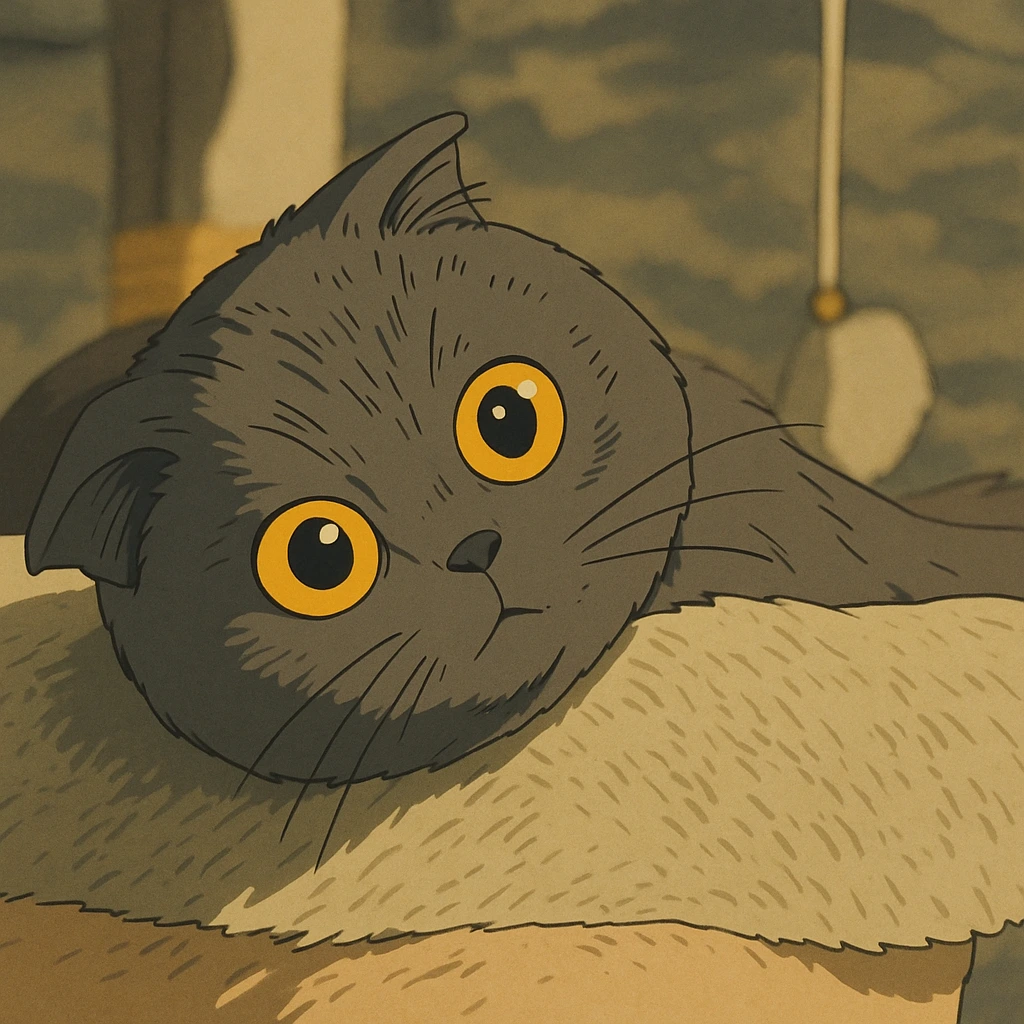
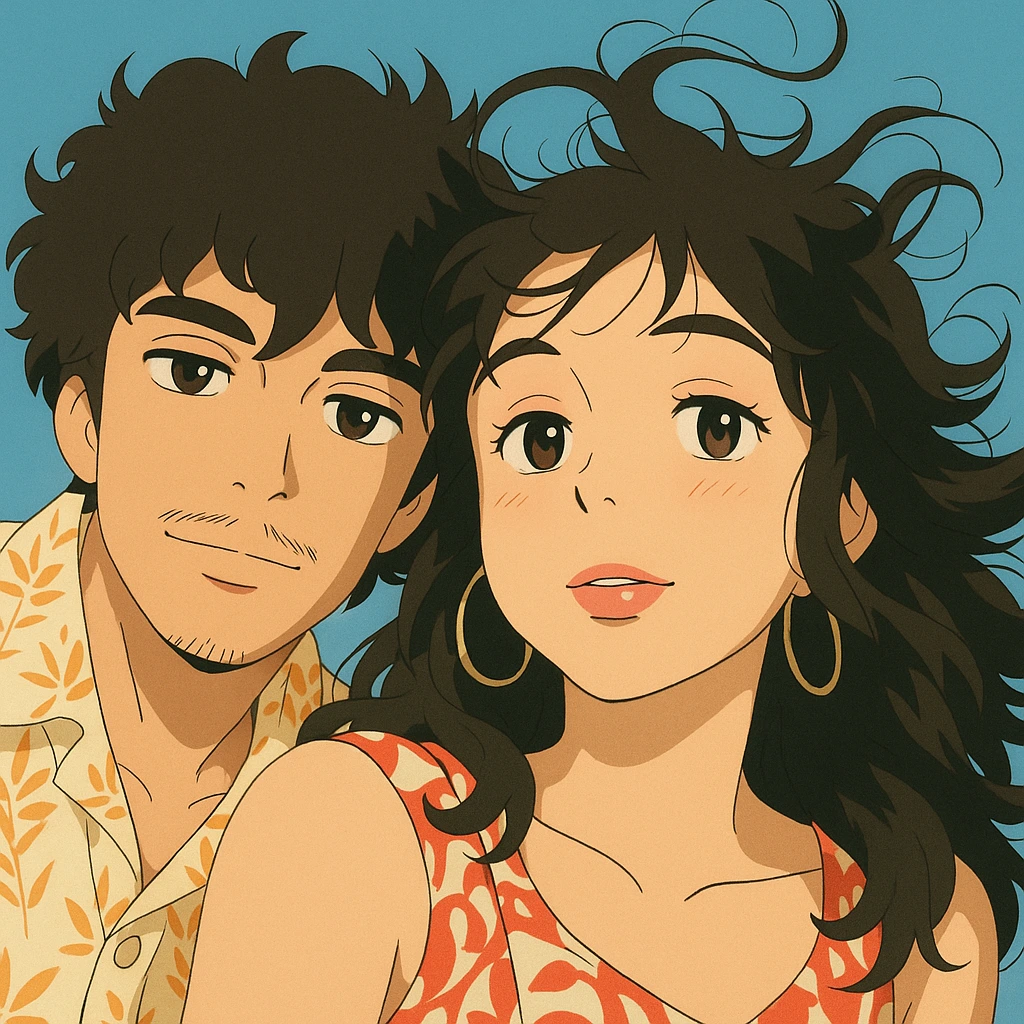
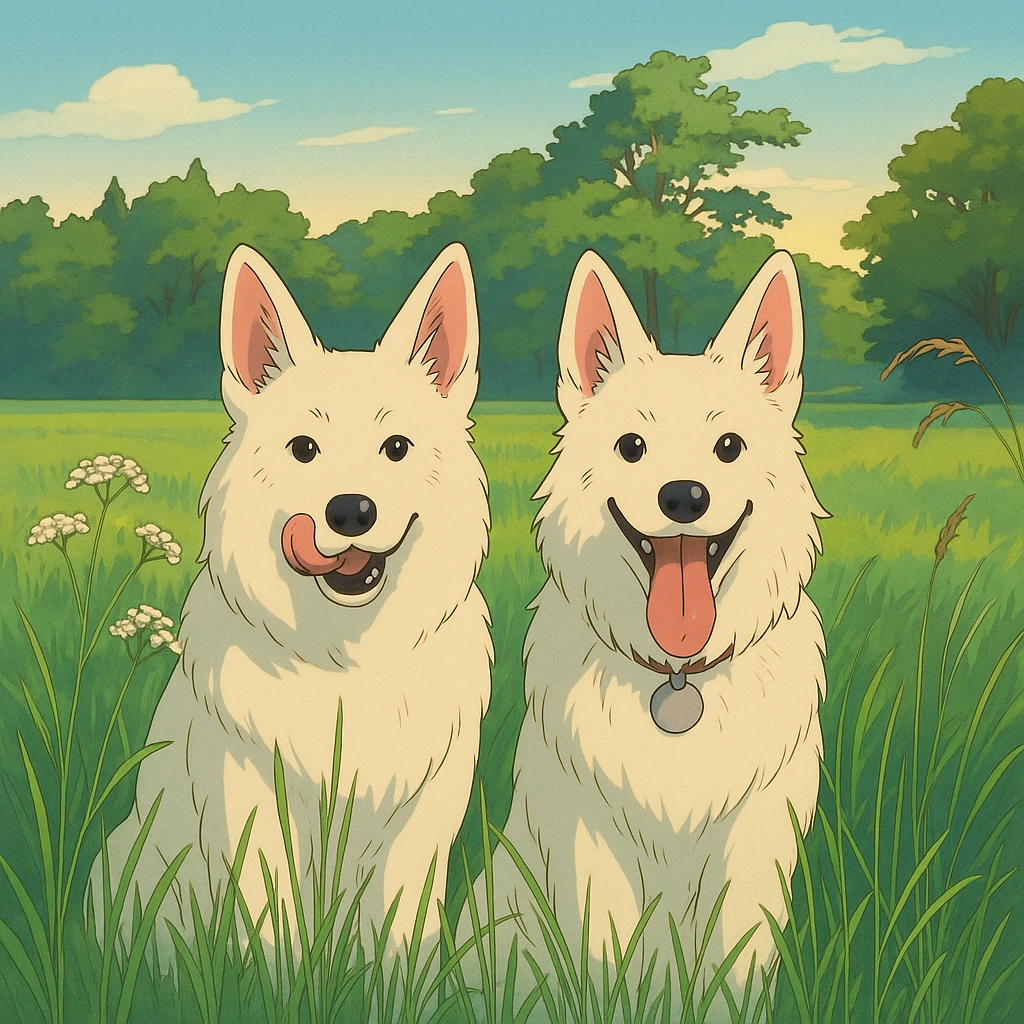
To make a photo anime, have it redrawn as an anime illustration, by hand or with a tool. On Anime Frame, you sign in with your email and a one-time code, pick a photo, choose a style, and it is drawn in minutes. The frame is yours at full quality, with no watermark.
How to make a photo anime with Anime Frame
- Sign in with your email. Go to animeframe.com, enter your email, and type in the one-time code we send you.
- Pick a photo. The one with the moment in it: the trip, the wedding, the dog asleep on the couch, the two of you on the station platform.
- Choose a style for this frame.
- Let it be drawn. Your photo comes back as an anime illustration in minutes.
- Download it and share it. Send it to the people who were there.
Each finished picture uses one frame. Frames come with a plan, or in a one-time pack whose frames never expire.
Other ways to turn a photo into anime
A photo can also be made anime by painting over it, with a photo editor's anime feature, or with an image model on your own computer.
Paint over it in a drawing program
In a Clip Studio Paint tutorial, comic creator Mikarin1225 turns a photo into an anime background. The steps: smooth away the photo's texture, redraw details such as trees with their own shadows and highlights, and add clouds. Colors are sampled from the photo with the eyedropper, and a top layer set to Screen carries the painted light. The tutorial is written for backgrounds, and its author suggests photos without people in them.
Clip Studio Paint EX can also convert an image into separate layers of lines and screentone shading, from the Layer menu.
Use a photo editor's anime feature
CyberLink's PhotoDirector 365 lists an AI Anime Generator that turns "photos into anime-style artwork", with looks "from contemporary anime to classic illustration".
Run an image model on your own computer
An image-to-image model takes your photo as its starting point and redraws it from a text prompt, as the Hugging Face Diffusers guide (version 0.43) explains. Its strength setting decides how much the result still looks like your photo: a lower value stays closer to it, and 1.0 more or less ignores it.
A March 2025 walkthrough from Make Tech Easier sets up Stable Diffusion with Stability Matrix, which runs on Windows, Linux and macOS. It converts the photo in the img2img tab of WebUI, with a denoising strength of 0.7 to 0.9 for a bigger change, using an anime model downloaded from Civitai. The guide says you will need a decent graphics card, preferably Nvidia.
Which way fits your photo
- Paint it yourself when the drawing is the point and you have the hours for it.
- Use PhotoDirector's generator if you already edit your photos in it.
- Run a model locally if you want to set the strength and the prompt yourself, and you have the graphics card.
- Use Anime Frame when you want the moment back as an anime frame in minutes, ready to send.
Photos worth making anime
Start with the photo you would print. A picture of you becomes your own anime portrait. The two of you at the lake, or your parents on their anniversary, makes an anime portrait gift. And if you came looking for an anime filter for your photos, Anime Frame redraws the whole picture.
Questions
How long does it take to make a photo anime?
On Anime Frame, minutes. By hand, as long as the painting takes.
Which photos can I use?
Any photo you love: a selfie, a couple, friends, the dog, a view from the trip.