· 5 min read
The best photo to anime converters, compared
The best photo to anime converter depends on what you want back. For many looks and more editing afterwards, Fotor. To change the result with a typed instruction, Drawever. To convert without paying, AniFun, Kaze or Upsampler; Fotor and Drawever also give free credits.
Anime Frame
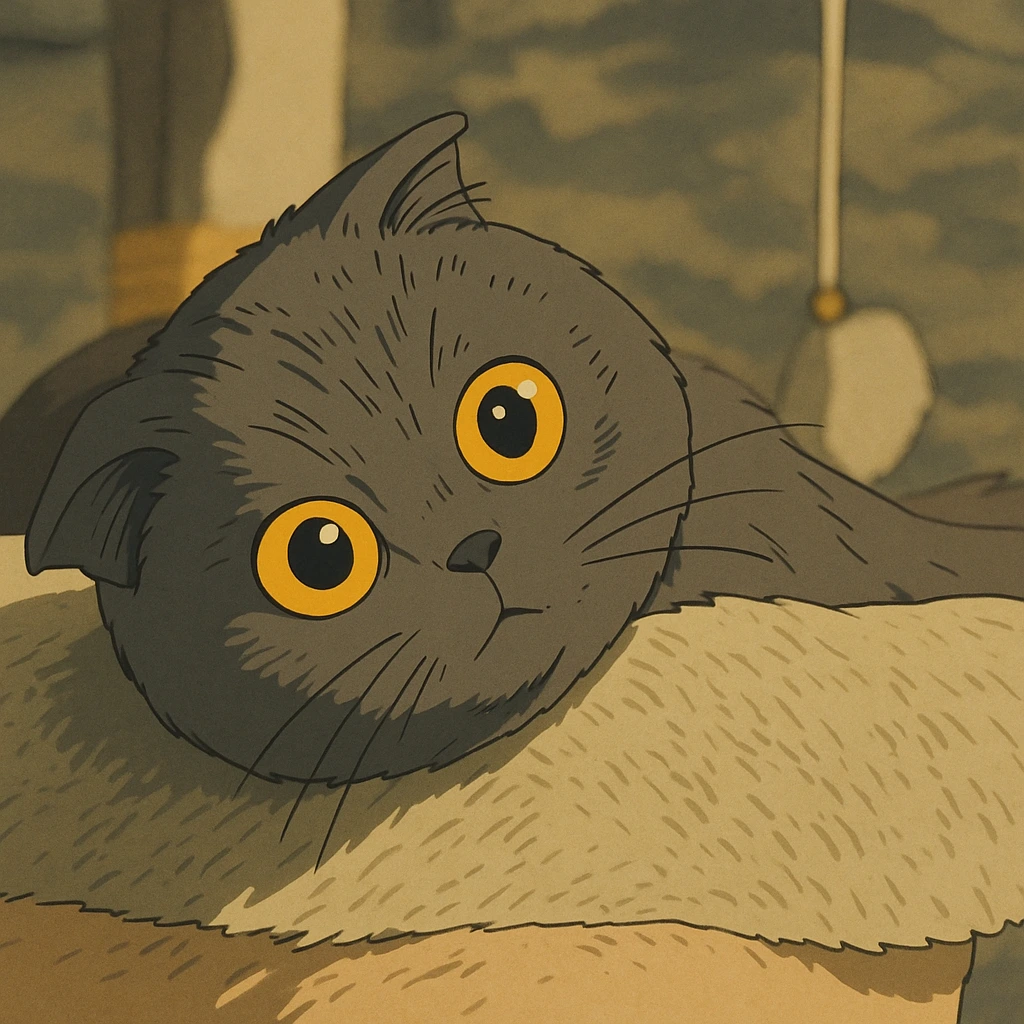
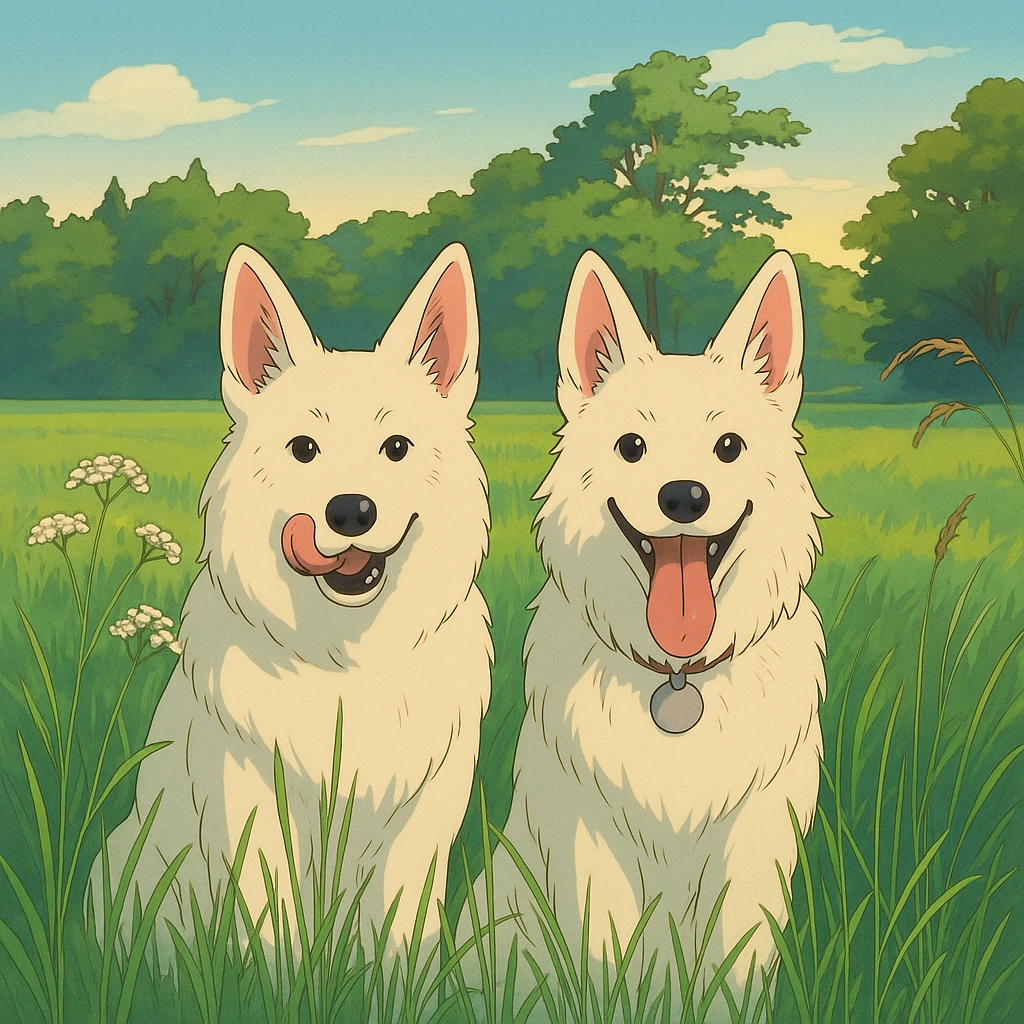
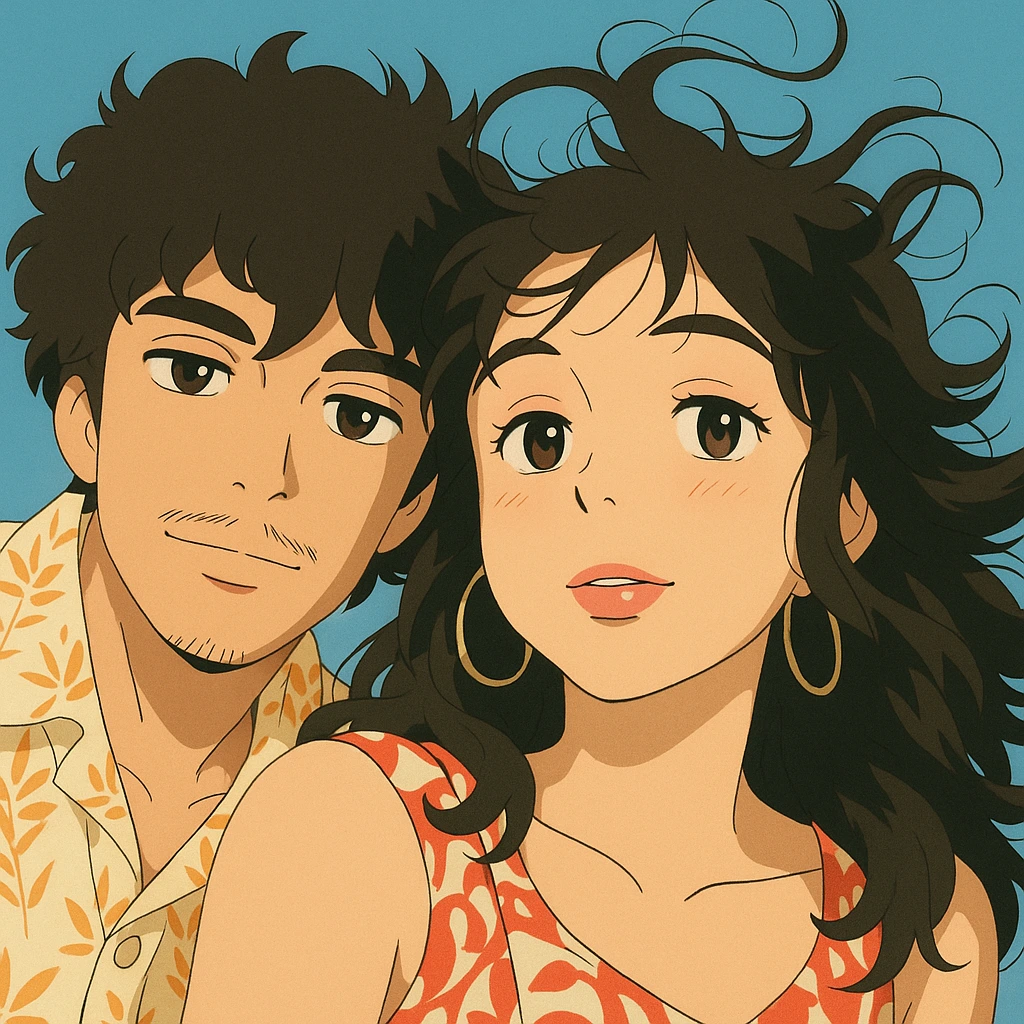
Anime Frame is a photo to anime converter that turns a photo of yours into an anime illustration in minutes: the same people and the same moment, drawn as a frame from your own anime. Every frame comes at full quality, with no watermark.
One frame is one finished image. Frame packs are paid once and never expire: 5 frames for $4.99, 10 for $9.99, 25 for $22.99 and 60 for $49.99. Plans are $7.99 a week for 10 frames every week, $19.99 a month for 25 frames every month, or $79.99 a year (shown as $6.67 / month) for 10 frames every month.
Fotor
As of 14 November 2026, Fotor's photo to anime converter offers "54+ anime styles" for an uploaded photo. You can keep editing the result in Fotor's other tools, "from changing backgrounds to adding effects."
Fotor's page says you can convert a photo for free with daily credits earned in its Reward Center. Images come out at standard resolution by default, and HD export requires Pro. For printing on merchandise or other commercial use, Fotor points you to Pro accounts or its licensing terms.
AniFun
As of 14 November 2026, AniFun's photo to anime converter offers 30 anime styles and calls itself "completely free": you can "convert as many photos to anime as you like." Results download without a watermark, and you can regenerate one you don't like.
AniFun's home page says you own what you make and may use it for personal and commercial purposes. The same site also builds manga pages from a story idea and makes animated story videos.
Drawever
As of 14 November 2026, Drawever's photo to anime converter has 6 anime styles and says a conversion typically takes under 15 seconds, or 30 to 60 at peak times. You can change the result by typing an instruction such as "Add a smile", or turn it into a 5-second talking video.
Each conversion uses 1 credit, and new users get free credits. As of 14 November 2026, Drawever's pricing page offers 100 credits for $5 before your first purchase, then 225 credits for $10 and up. Its photo to anime page puts that at "about $0.03 to $0.05" an image, as of the same day. The pricing page says there is no subscription, credits never expire, unused credits can be refunded within 30 days, and every pack includes commercial usage rights.
Upsampler
As of 14 November 2026, Upsampler's free tools page lists its Photo to Anime converter with "free daily usage" and "No account required."
As of 14 November 2026, Upsampler's pricing page charges 4 cents a credit with no commitment, and its Pro tier lowers the price per credit. Every one of its tiers includes a commercial use license.
Kaze
As of 14 November 2026, Kaze's anime filter is "completely free. No subscription, no credit card, and no account required," and results download at full resolution with no watermark. Instead of choosing from a list, you describe the look in a prompt, such as dark fantasy or soft pastel tones. Group photos and pet photos are supported, and a result typically takes under 30 seconds.
Which photo to anime converter to pick
- Fotor if you want to try many looks on one photo and keep editing it in the same place.
- AniFun if you have a lot of photos to convert without paying, or also want manga pages made from a story idea.
- Drawever if you want to change the result in your own words, or pay a few cents a picture with credits.
- Upsampler if you want a free daily conversion, then credits at 4 cents each with no monthly fee.
- Kaze if you know the look you want and would rather describe it than pick it.
With Anime Frame, the two of you on the station platform becomes an anime portrait gift, and a selfie becomes your anime pfp. The steps, from picking the photo to saving the frame, are in how to make a photo anime.