· 5 min read
How to Ghiblify Your Photos: Transform Your Images into Studio Ghibli Art
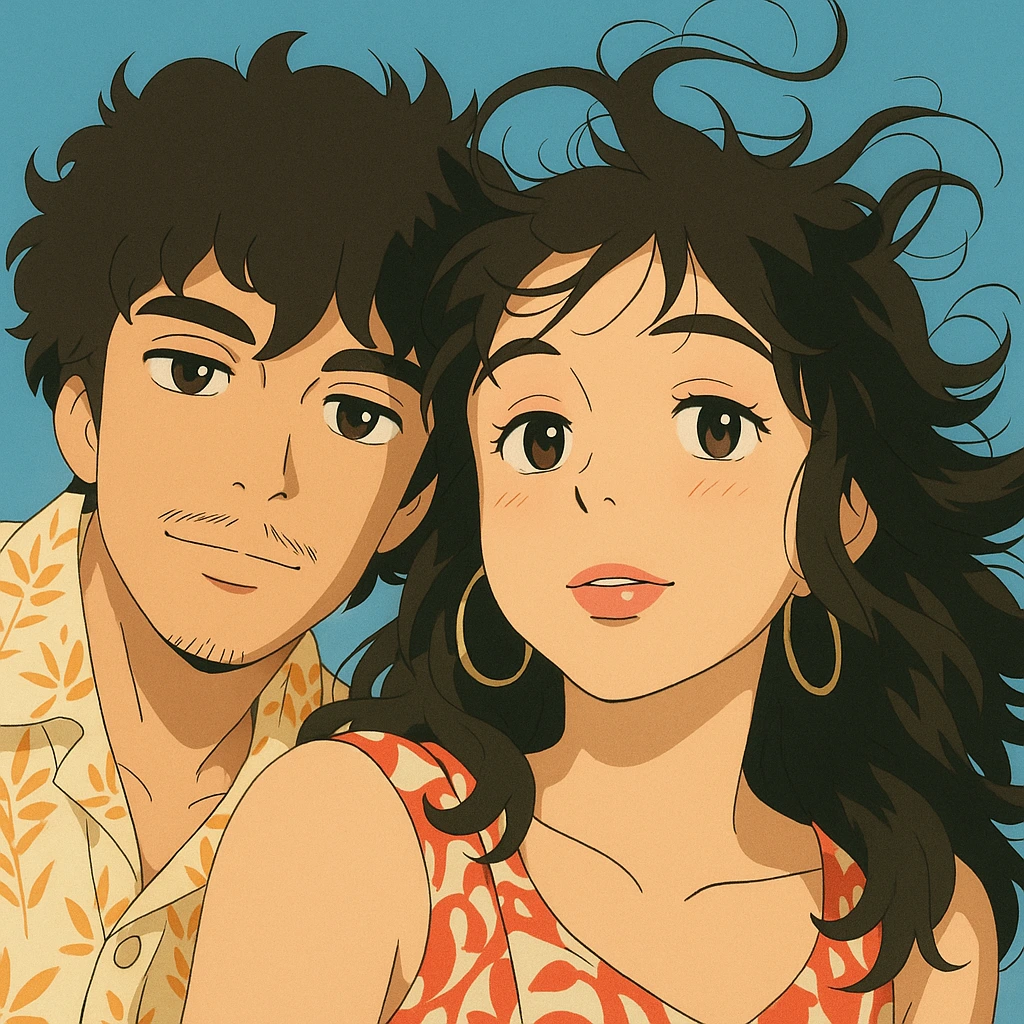
The trend of "Ghiblify"—transforming ordinary photos into whimsical, Studio Ghibli-inspired artwork—has taken social media by storm. Users everywhere are eager to capture the gentle charm and vibrant aesthetic of Hayao Miyazaki's beloved films like Spirited Away, My Neighbor Totoro, and Princess Mononoke. In this guide, we'll show you exactly how to Ghiblify your photos effortlessly.
What Does "Ghiblify" Mean?
"Ghiblify" refers to the artistic conversion of standard images or photographs into beautiful, anime-style illustrations reminiscent of Studio Ghibli movies. This style is characterized by soft colors, serene landscapes, detailed backgrounds, expressive characters, and a distinctive, dreamy atmosphere.
Why Are People Obsessed with Ghiblifying Their Photos?
Studio Ghibli's animation style evokes nostalgia, tranquility, and a whimsical sense of adventure. By "Ghiblifying" their personal photos, fans can relive memories through a new, magical lens. The viral trend also encourages creativity and has inspired countless social media shares, profile pictures, and personalized gifts.
Step-by-Step: How to Ghiblify Your Photos
Step 1: Choose Your Photo
Pick a clear, well-lit image with good contrast. Portraits and landscapes typically yield the most enchanting results, as they closely match the scenes found in Studio Ghibli films.
Step 2: Select a Ghiblify Tool
Several tools promise Studio Ghibli-style conversions, but Anime Frame stands out for its user-friendly interface, high-quality results, and authentic Ghibli aesthetic. You can access it directly at Anime Frame.com.
Step 3: Upload Your Image
On Anime Frame.com, upload your selected photo. You'll have an intuitive option to crop, rotate, or resize your image to perfectly frame your shot.
Step 4: Generate Your Ghiblified Photo
After uploading, simply click to generate your art. Anime Frame's powerful AI transforms your photo into a Studio Ghibli-style masterpiece in seconds. The results feature signature Ghibli traits like lush backgrounds, pastel palettes, and delicate detailing.
Step 5: Download and Share Your Art
Once satisfied, download your artwork directly from Anime Frame. Share your newly "Ghiblified" image on Instagram, Facebook, Pinterest, or wherever you want to showcase your beautiful Ghibli-inspired creations.
Tips to Achieve Perfect Ghibli-Style Results
- Natural Lighting: Photos taken in natural daylight produce vibrant, warm, Ghibli-like tones.
- Minimal Background Clutter: Clear backgrounds convert beautifully, highlighting the magical elements of Ghibli's signature style.
- Expressive Faces: Choose images with visible expressions for more captivating results.
Why Anime Frame is Your Best Choice to Ghiblify Photos
Anime Frame.com utilizes advanced AI models specifically trained to capture Studio Ghibli's unique style and essence. Unlike generic filters or complex software:
- Instant Results: No technical skill or software installation required.
- Highly Authentic: Captures the genuine aesthetic of Studio Ghibli's iconic visuals.
- Easy and Fun: Intuitive interface accessible to everyone.
Popular Ideas to Ghiblify
Here are some fantastic photo ideas you can transform:
- Personal portraits or family photos
- Travel and landscape images
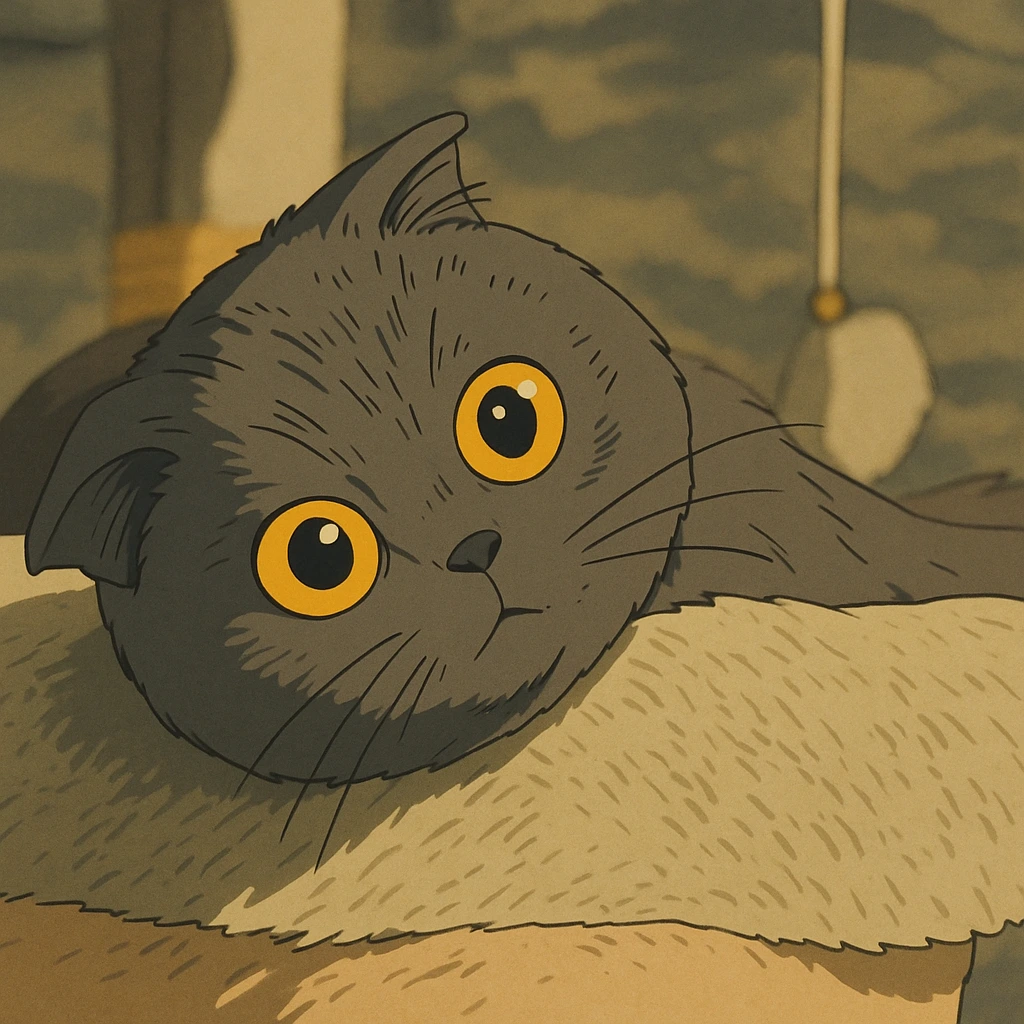
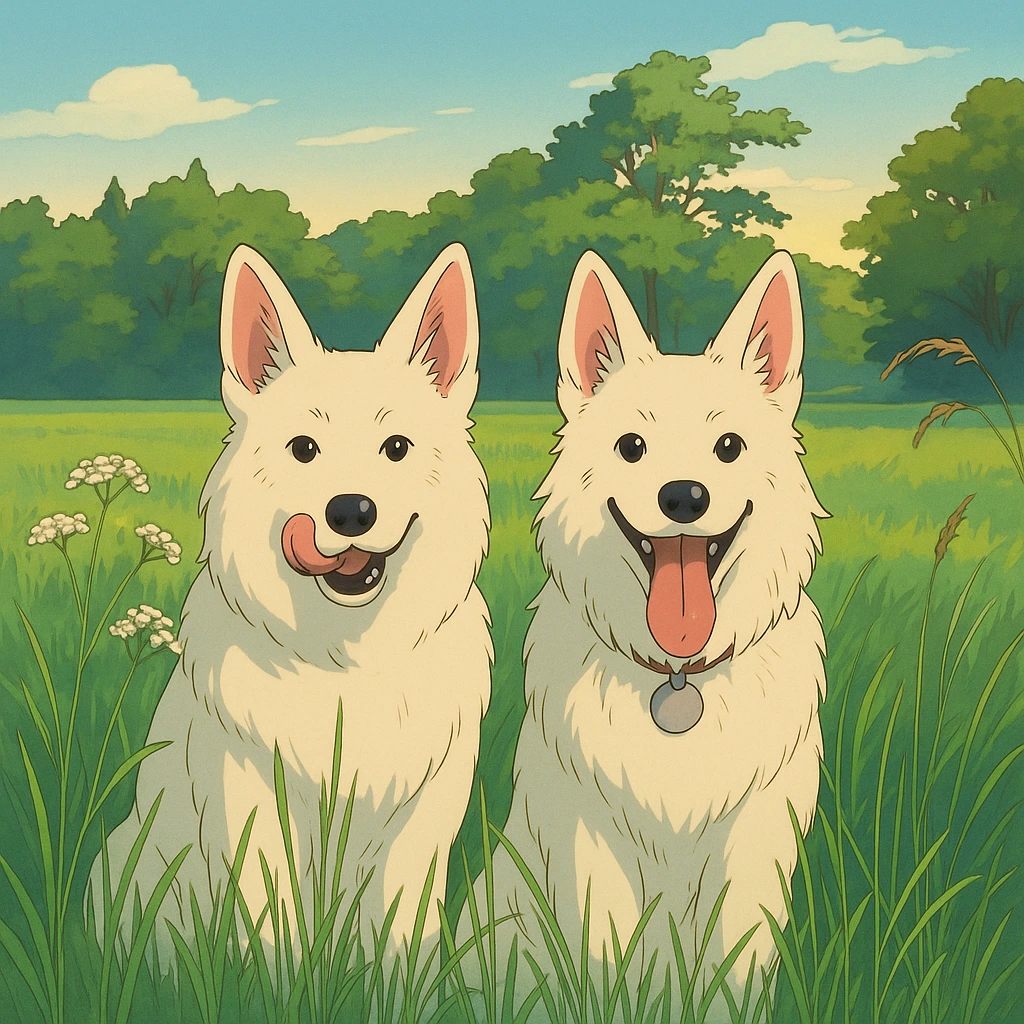
- Pet photos for adorable, animated pets
- Wedding or anniversary pictures
- Seasonal images (spring cherry blossoms, autumnal landscapes)
Join the Trend and Ghiblify Today!
The joy of seeing your everyday memories reimagined as delightful anime scenes is just a few clicks away. Join the global community sharing their enchanting Studio Ghibli-style creations by transforming your photos today with Anime Frame.
Start Your Studio Ghibli Journey
Ready to Ghiblify your favorite images? Visit Anime Frame.com and experience the magic of bringing your personal photos to life as Studio Ghibli masterpieces!