
About Anime Frame
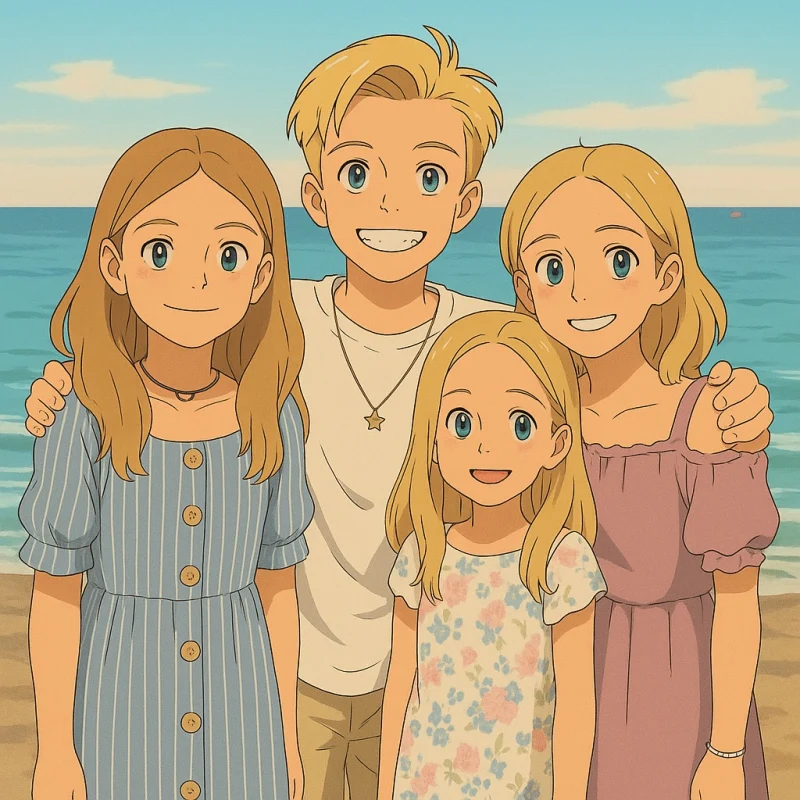
Anime Frame turns the photos you already have into anime art. Pick a photo and a style, and we’ll turn your favorite memories into anime illustrations in minutes, at full quality and with no watermark.
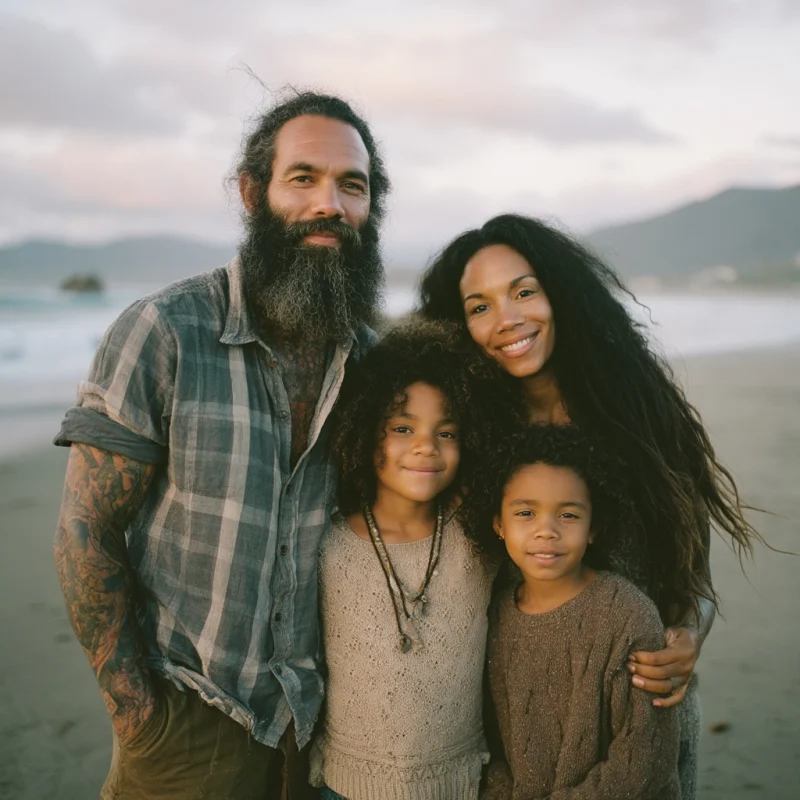
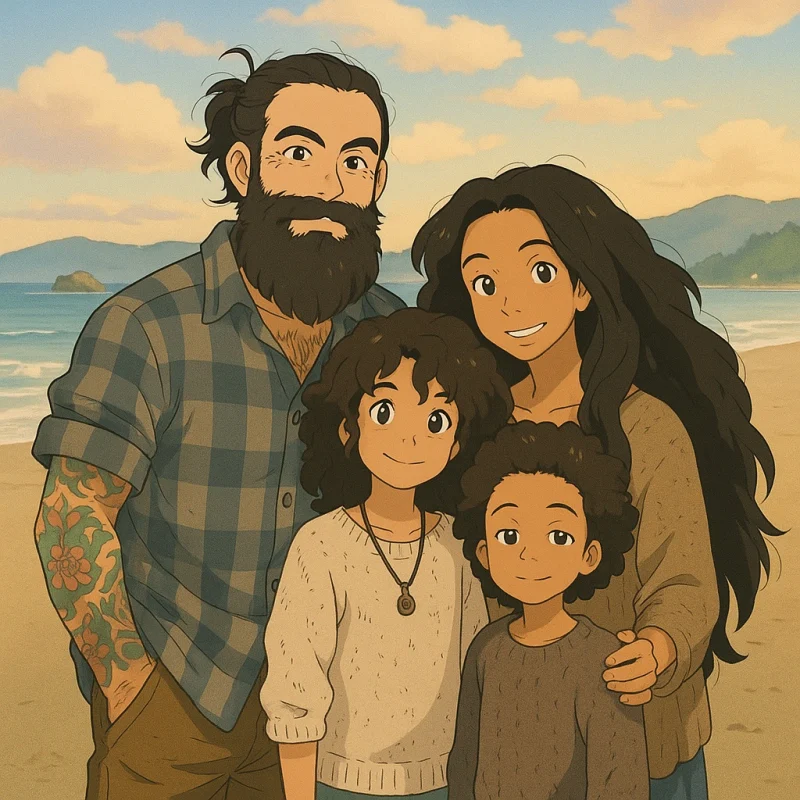 ANIMEPHOTO
- What it is
- Photo to anime art
- Where
- animeframe.com, iOS soon
- Sign-in
- Email and a one-time code
- Photos
- JPG, PNG or WebP, up to 8 MB
- Frames
- Full quality, no watermark
- Privacy
- Photos never stored
- Plans
- From $7.99 a week
- Packs
- From $4.99, never expire
What is Anime Frame?
Anime Frame turns a photo you already have into an anime illustration. You choose the photo and the style; the image model draws the same scene, the same people and the same composition as inked lines and painted color. The result is a frame: one finished illustration, drawn at full quality with no watermark, that you can download, share, print or gift.
It is made for people, not prompts. There is nothing to describe and nothing to tune: the style does the work, and every frame starts from a real moment in your camera roll.
How does Anime Frame work?
Five steps, from sign-in to a finished frame. Signing in comes first, so a photo is never uploaded anonymously.
- 01
Sign in with your email
We send a one-time code to your inbox. There are no passwords.
- 02
Pick a photo
Any JPG, PNG or WebP from your phone or computer. People, pets and places all work.
- 03
Choose a style
Pick the look for this frame. You can choose a different style for every frame.
- 04
It gets drawn
The image model draws your photo in the chosen style. Your frame arrives in minutes.
- 05
Save and share
The frame lands in your library at full quality with no watermark, ready to download, share, print or gift.
Which anime styles does Anime Frame offer?
Each style is a complete look, from the line work to the light. The same photo, drawn in every style; pick a different one for every frame.
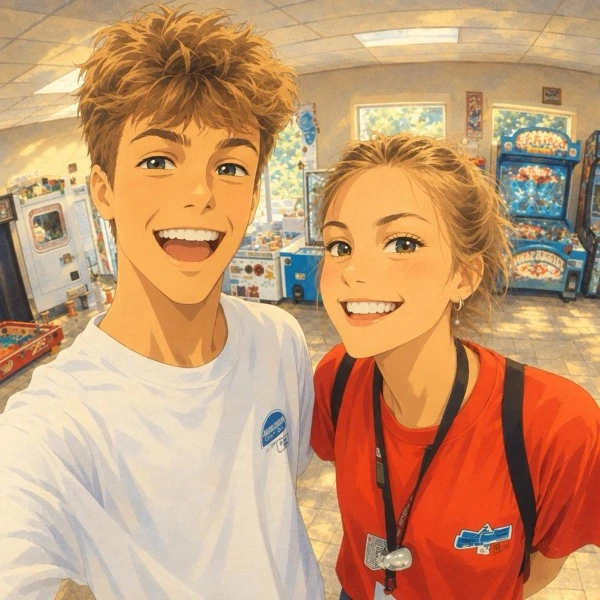
手描きHand-Painted FilmSoft watercolor washes and gentle lines, like a painted background from a feature film. 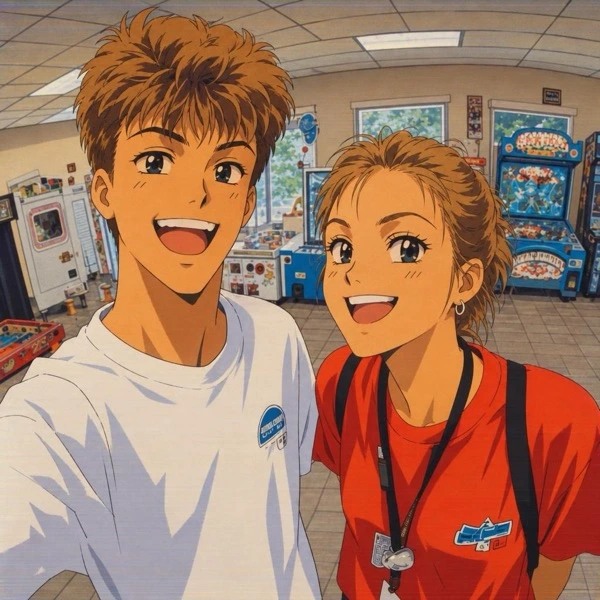
セル画’90s AnimeBold ink outlines, flat cel color and the warm glow of a VHS tape. 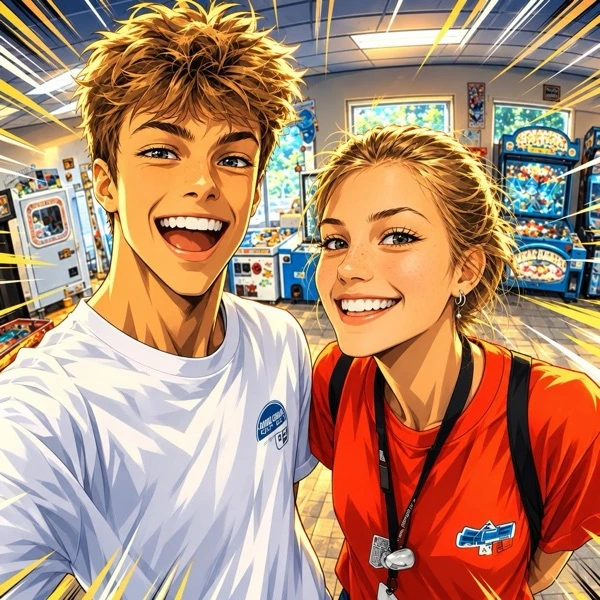
熱血Action HeroSharp lines, strong contrast and dramatic energy, like a key frame from a fight scene. 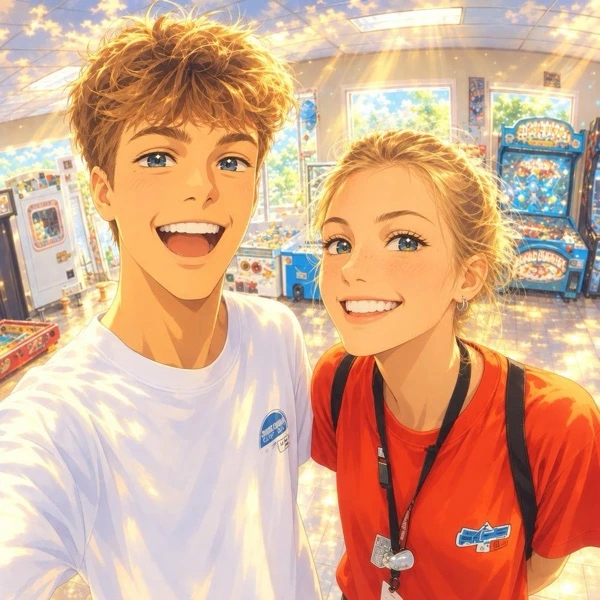
空Dreamy SkiesLuminous skies and glowing light, the golden-hour look of a romantic anime film. 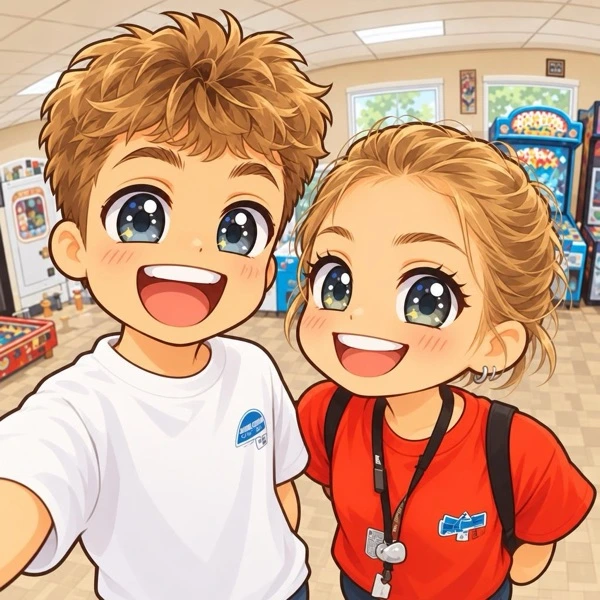
ちびChibiTiny, round, impossibly cute versions of everyone in the photo. 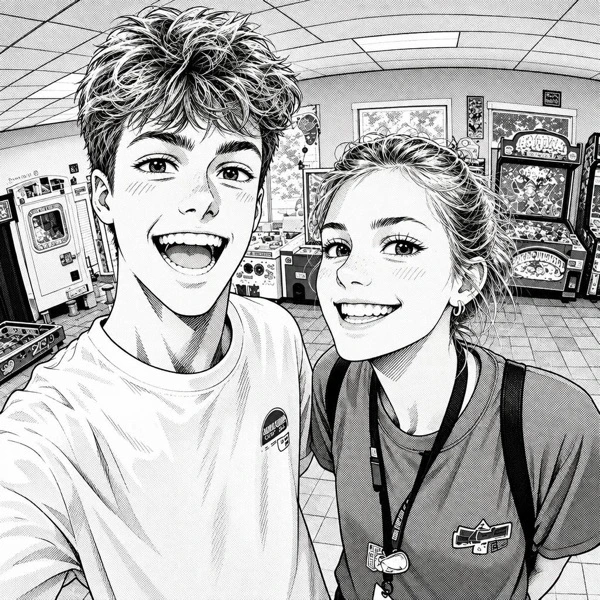
漫画Ink MangaBlack ink and screentone, a page straight out of a manga.
How is Anime Frame different from an anime filter?
A filter lays an effect over the pixels of your photo: the edges get traced, the colors get flattened, and the photo underneath still shows through. Anime Frame does not touch the pixels. It sends your photo to an image model with a detailed description of the chosen style, and the model draws a new illustration of the same scene: the same people, the same poses, the same composition, in inked lines and painted color.
That is also why Anime Frame is not a general AI art generator. There is no prompt box and no gallery of strangers’ art. Every frame starts from your photo, and the styles are fixed looks tuned for photos of people, pets and places, so you can expect the same quality from one frame to the next.
How does Anime Frame handle my photos?
Your photo goes to the image model to be drawn and is never saved on Anime Frame’s servers. The original and your finished frames stay on your device, in your browser. Our providers may keep a photo for up to 30 days for safety checks, then delete it. The details are in the privacy policy.
How much does Anime Frame cost?
A plan gives you new frames every week or month. A pack is bought once, and its frames never expire. Subscriptions can be cancelled at any time, and prices are the same on the web and in the iOS app.
Plans
Packs
Prices in US dollars. Subscribe or buy a pack on the pricing section.
Where can I use Anime Frame?
Anime Frame runs on the web at animeframe.com, in any modern browser on a computer or a phone. It is coming soon to the App Store for iOS. The same email signs you in on both, and your plan and frame balance come with you.
Who is Anime Frame for?
Anyone with photos they love. Clear, well-lit photos of people, pets and places draw best; blurry, dark or extreme close-up photos give weaker frames.
- Couples and weddings
- Family and kids
- Pets
- Travel and scenery
- Friends and groups
- Graduations and milestones
- Profile pictures
- Prints and gifts
Contact
Questions, feedback or a frame that went wrong: write to support@animeframe.com. New frames and styles are posted on Instagram.
Further reading
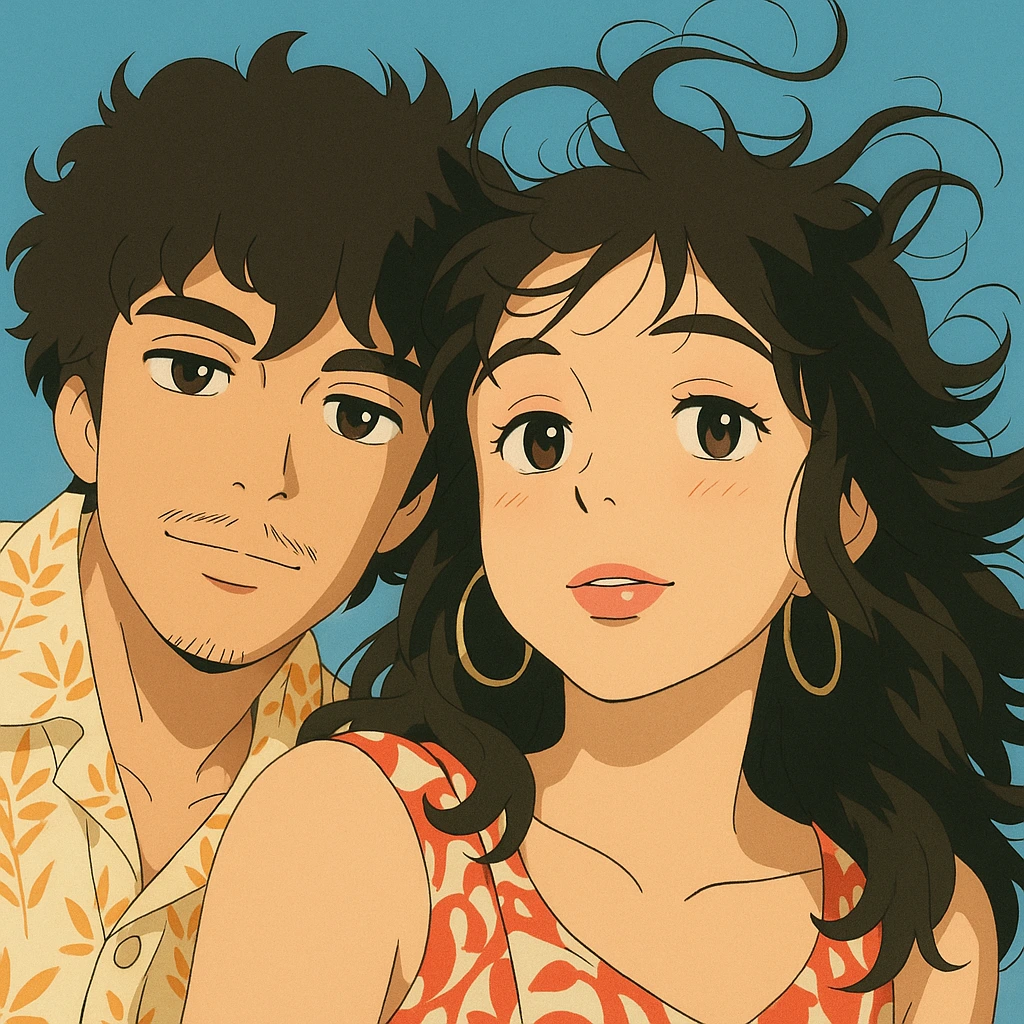
· 7 min read
The Best Anime AI Art Generators: Turn Your Ideas into Beautiful Anime Creations
Explore the top AI tools for generating anime-style illustrations, including Anime Frame, Midjourney, and more.
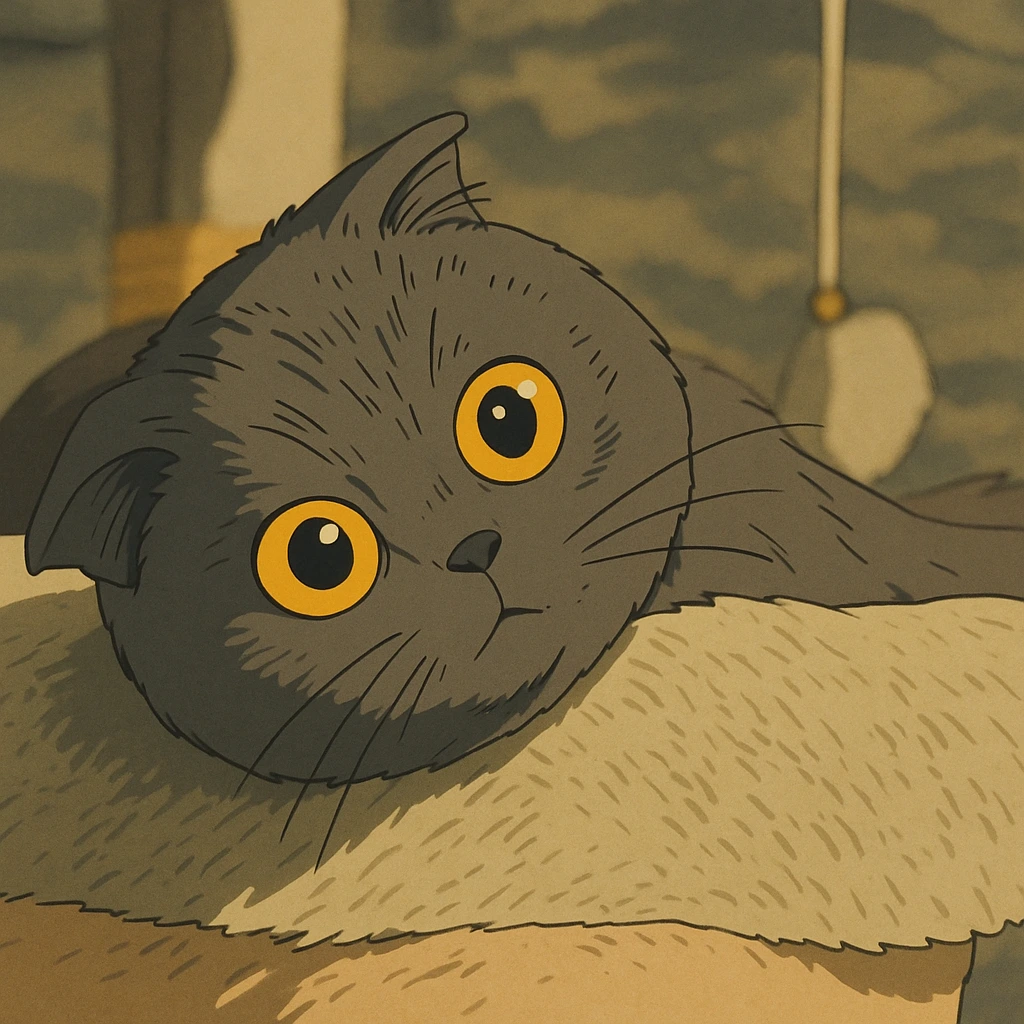
· 6 min read
How to Turn Your Photo into Stunning Anime or Studio Ghibli Fan Art
A step-by-step guide to creating authentic anime or Ghibli-inspired artwork from your personal photos using AI.
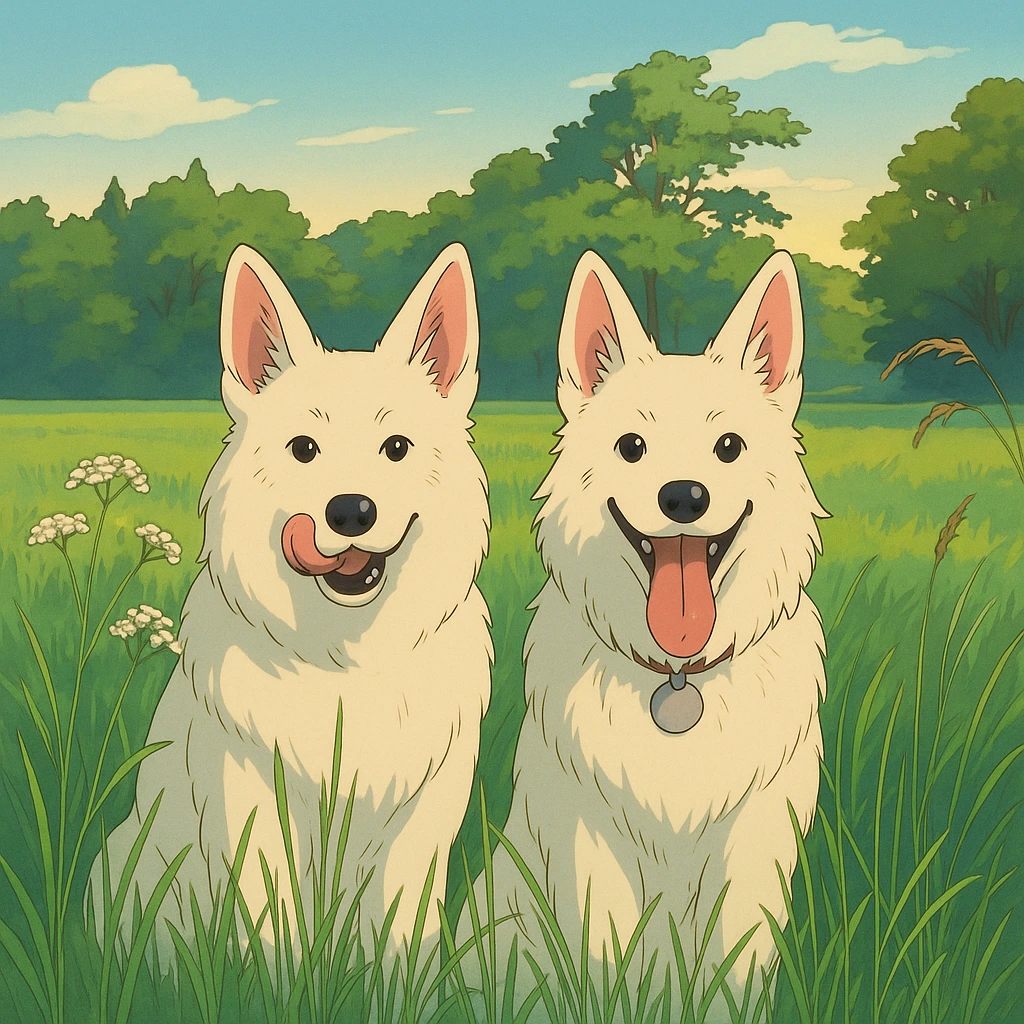
· 5 min read
How to Ghiblify Your Photos: Transform Your Images into Studio Ghibli Art
Learn how to transform your ordinary photos into whimsical, Studio Ghibli-inspired artwork with these easy steps.
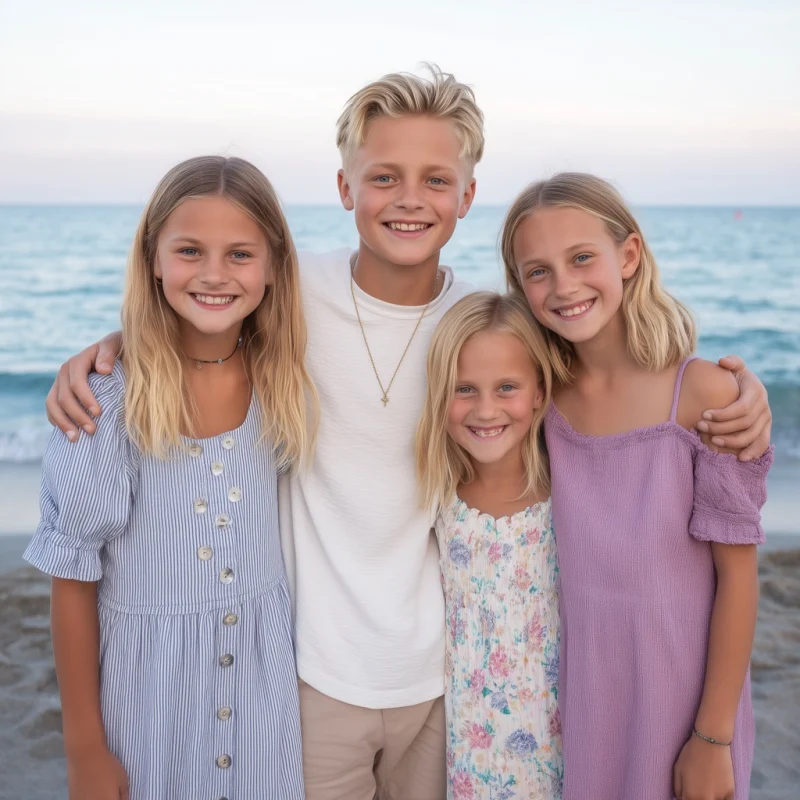
 ANIMEPHOTO
Ready to see your photo as anime?
Pick a photo and a style, and we’ll turn your favorite memories into anime illustrations in minutes.
Get started